Nintendo Switch emulator games have become a hot topic in the gaming community, especially as enthusiasts look to preserve and experience their favorite titles on different platforms. Whether you’re curious about the technical side, interested in better graphics performance, or simply want to expand how you play classic Switch games, understanding emulation is essential. This guide covers everything from how emulators actually work to setting up your first one, troubleshooting issues, and finding the best games to play. By the end, you’ll have a clear picture of the emulation landscape in 2026 and what it means for your gaming setup.
Table of Contents
ToggleKey Takeaways
- Nintendo Switch emulator games bridge the gap between ARM and x86-64 processor architectures through dynamic recompilation, converting game instructions in real-time so Switch titles run on PCs.
- Emulation legality hinges on game acquisition—owning physical cartridges and creating personal backups is generally protected under fair use, while downloading ROMs from the internet violates copyright law in most jurisdictions.
- Ryujinx is the most practical modern Nintendo Switch emulator option as of 2026, offering stable active development and strong compatibility without the legal uncertainty surrounding discontinued Yuzu builds.
- Games like The Legend of Zelda: Breath of the Wild, Super Mario Odyssey, and Fire Emblem: Three Houses emulate flawlessly, while online-dependent titles like Splatoon 3 remain impractical for emulation.
- High-end hardware (RTX 3070+ GPU, Ryzen 7/i7 CPU, 16 GB RAM, NVMe SSD) is essential for smooth 1080p/60 FPS emulation, with per-game optimization required for demanding titles like Xenoblade Chronicles 3.
- Clear shader cache and verify GPU driver updates if experiencing graphics glitches or audio crackling, as these are the most common performance and stability issues in Nintendo Switch emulator setup.
What Are Nintendo Switch Emulators?
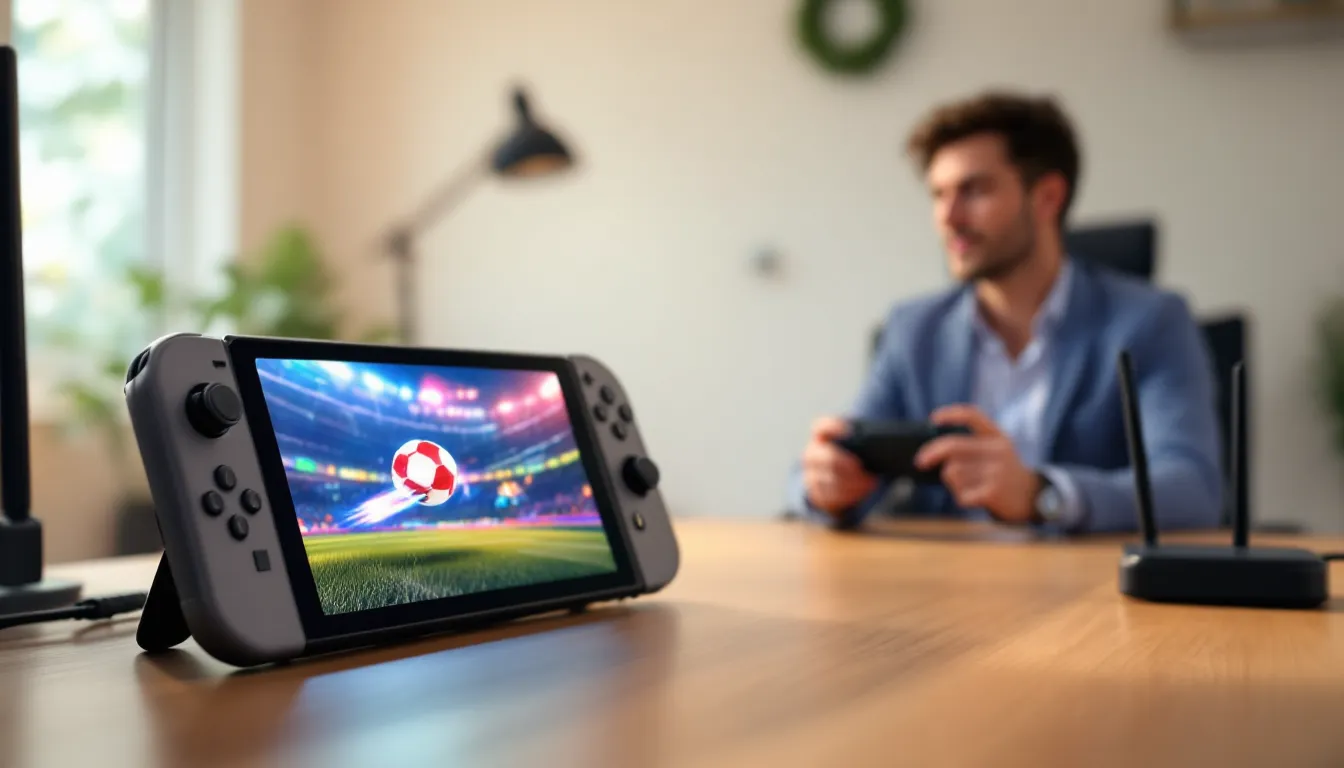
Nintendo Switch emulators are software programs that replicate the Switch’s hardware environment on a PC or other device, allowing you to run Switch games without owning the console. Think of them as a translator between the game’s code and your computer, they translate the Switch’s CPU, GPU, and memory instructions into something your PC can understand and execute.
How Do Emulators Work?
Emulators function through instruction set translation. The Nintendo Switch runs on an NVIDIA Tegra processor (ARM-based architecture), while most PCs use x86-64 processors. An emulator bridges this gap by converting ARM instructions into x86-64 instructions in real-time, a process called dynamic recompilation. This is computationally intensive and requires significant CPU power.
The emulator also simulates the Switch‘s GPU (Maxwell architecture), which handles graphics rendering. Emulators convert these graphics calls into instructions your PC’s GPU can understand, typically through Vulkan or OpenGL APIs. This dual translation allows games to run and display properly on hardware they weren’t originally designed for.
Memory management and peripheral emulation (controllers, touchscreen input) are equally critical. A quality emulator handles these subsystems accurately enough that most games run without noticeable issues. But, no emulator is perfect, edge cases and specific game quirks can cause glitches.
Legal Considerations and Copyright
This is where things get murky. Emulation itself isn’t illegal in most jurisdictions. The legality hinges on how you acquire the games. If you own a physical Switch cartridge and create a backup ROM yourself, that’s generally protected under fair use in the US. But, downloading ROMs from the internet, even for games you own, violates copyright law in most countries.
Nintendo has never been shy about protecting its intellectual property. The company aggressively pursues ROM distributors and has sent cease-and-desist letters to emulator developers. Their official stance is clear: playing Switch games requires owning either a Switch console or purchasing them through legitimate channels.
For this guide’s purposes, understand that emulation exists in a gray zone legally. Using an emulator with games you legitimately own is far less legally risky than downloading copyrighted ROMs. Many in the gaming community support emulation for preservation purposes, but Nintendo’s legal team doesn’t see it that way.
Top Nintendo Switch Emulators You Should Know About
Several emulators have emerged as the dominant options for Switch emulation. The landscape shifts as developers optimize code and face legal pressure, but these three remain the most stable and widely used as of early 2026.
Yuzu: Features and Performance
Yuzu was long considered the gold standard for Switch emulation. Developed by the Citra team, Yuzu delivered impressive accuracy and compatibility, supporting thousands of games with playable framerates. The emulator excelled at graphics enhancement options, upscaling to 4K, anti-aliasing, and custom shaders, making games look better than on native hardware.
But, Yuzu’s development halted in March 2024 after Nintendo issued a cease-and-desist. Even though this, builds from before the shutdown remain available, and some community members continue maintaining unofficial forks. If you already have a working Yuzu installation from that era, it’ll still function, though don’t expect updates or new compatibility patches.
Key features (from pre-shutdown versions):
- Supports 90%+ of Switch game library
- Native 4K upscaling and DLSS support
- Customizable controller mapping
- Save state functionality for quick-loading progress
- Vulkan and OpenGL rendering backends
- Cross-platform: Windows, macOS, Linux
Performance varies dramatically by game. Demanding titles like The Legend of Zelda: Tears of the Kingdom run at 30-60 FPS on mid-range hardware (RTX 3070 / Ryzen 5 3600), though you may need to tweak settings.
Ryujinx: An Alternative Worth Exploring
Ryujinx emerged as the main alternative after Yuzu’s discontinuation. Also written in C#, Ryujinx prioritizes stability and accuracy over cutting-edge performance features. It won’t deliver the same 4K upscaling eye candy as Yuzu, but it’s remarkably solid for day-to-day emulation.
Ryujinx continues receiving updates from its developer, making it the safer long-term choice if you want ongoing compatibility improvements. The project maintains an active community and GitHub repository, suggesting it’ll stick around longer than abandoned forks.
Key advantages:
- Active development with frequent updates
- Strong native game compatibility
- Lower system requirements than Yuzu historically had
- Built-in game profiler for troubleshooting
- Supports Windows, macOS, and Linux
The tradeoff: Ryujinx offers fewer graphics enhancement options than Yuzu. You get native resolution emulation without extensive upscaling or custom shader support. For most players, this is a perfectly acceptable compromise.
Other Notable Emulators
Mules is a lesser-known but increasingly mentioned option in forums. It’s more experimental than Yuzu or Ryujinx and doesn’t enjoy the same level of community testing, so compatibility is spottier. But, it represents ongoing development in the emulation space and might interest technical users willing to troubleshoot.
Older projects like Cemu (originally a Wii U emulator) have partial Switch support but are largely superseded by Yuzu and Ryujinx. Unless you have specific reasons to use legacy software, stick with the two main options above.
Best Games to Play on Nintendo Switch Emulators
Not all games emulate equally. Some run flawlessly: others have audio crackling, missing textures, or frame rate dips. Here’s a breakdown of the most reliable and enjoyable titles to play via emulation, organized by genre.
Action and Adventure Titles
The Legend of Zelda: Breath of the Wild is the emulation goldmine. It’s one of the most thoroughly tested and optimized games on both Yuzu and Ryujinx. You’ll get stable 60 FPS at 1080p on decent hardware, and 4K upscaling looks stunning. The game’s performance issues on native Switch (frequent frame dips) actually make emulation appealing, you get a better experience.
Super Mario Odyssey runs near-perfectly. The 3D platforming is smooth, the capture mechanic works flawlessly, and you won’t encounter the audio desync issues that plagued some emulator builds. Similarly, Mario Kart 8 Deluxe emulates beautifully with full controller support.
Hollow Knight is a puzzle-platformer that emulates without issues. The game’s 2D sprite-based graphics place minimal demand on the emulator, resulting in rock-solid performance even on lower-end systems.
Metroid Dread and Super Smash Bros. Ultimate both emulate competently, though Smash’s online multiplayer won’t work through emulation (you’re limited to local play). The competitive fighting game scene remains tethered to native hardware for now.
RPGs and Story-Driven Games
Xenoblade Chronicles 3 is demanding but achievable. You’ll need a capable GPU (RTX 3080 or better) to maintain 30 FPS at native resolution, but once dialed in, the JRPG delivers an immersive experience. The turn-based combat system doesn’t require frame-perfect inputs, so slight frame rate inconsistencies are forgivable.
Fire Emblem: Three Houses runs excellently. The tactical, turn-based gameplay suits emulation since there’s no requirement for split-second reflexes. Graphics are relatively simple, so even modest hardware handles it easily.
Pokémon Scarlet and Violet emulate but come with caveats. Both games suffer from performance issues even on native Switch hardware (framerate dips to 15-25 FPS in dense areas). Emulation doesn’t magically fix this, you’ll see similar performance. But, some emulator settings can yield marginal improvements. These games are playable but not ideal emulation candidates.
Hades is a roguelike that emulates beautifully. The fast-paced gameplay demands responsive controls, and emulation handles this perfectly. The art style scales well across resolutions.
Competitive and Multiplayer Games
Mario Kart 8 Deluxe works great for local multiplayer via emulation. Multiple controllers map smoothly, and the game runs at consistent framerates. Online play requires Nintendo Switch Online and a real Switch, but couch co-op emulates flawlessly.
Super Smash Bros. Ultimate presents a mixed situation. Emulation works fine for single-player (story modes, training) and local multiplayer, but competitive online play is off the table. Tournament players and anyone serious about ranked matches need actual hardware.
Splatoon 3 has extremely limited emulation viability. The game’s online-first design and reliance on network play make it impractical to emulate. You’re essentially restricted to offline training modes, which defeats the purpose of a competitive multiplayer shooter.
For couch multiplayer party games, Mario Party Superstars, Overcooked 2, Jackbox Party Packs, emulation works wonderfully. These titles rely on local input, not demanding graphics, making them ideal emulation fodder.
Setting Up Your Emulator: Step-by-Step Guide
Getting an emulator running involves more than just downloading software and launching games. You’ll need proper hardware, the right configuration, and patience during the initial setup.
System Requirements and Hardware Considerations
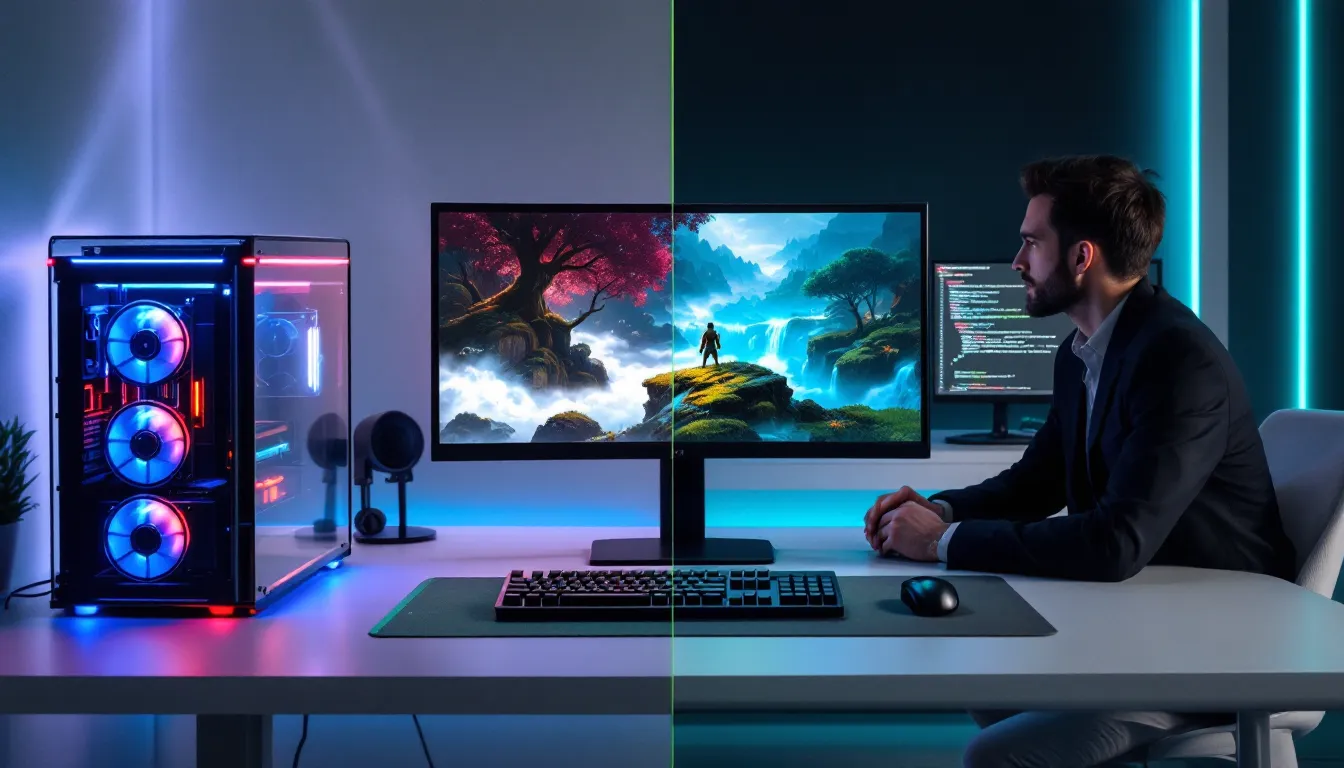
Before downloading anything, verify your PC meets minimum specs. Emulation is CPU-intensive during game startup (dynamic recompilation) and GPU-intensive during gameplay (graphics rendering).
Minimum specifications:
- CPU: Intel i5-8400 or AMD Ryzen 5 2600 (quad-core, 3.0+ GHz)
- GPU: NVIDIA GTX 1060 or AMD RX 580
- RAM: 8 GB
- Storage: SSD with 100+ GB free space (HDD will cause long loading times)
- OS: Windows 10/11, Ubuntu 20.04+, or macOS 10.15+
Recommended specifications for smooth 1080p/60 FPS:
- CPU: Intel i7-10700K or AMD Ryzen 7 3700X
- GPU: NVIDIA RTX 3070 or AMD RX 6800 XT
- RAM: 16 GB
- Storage: NVMe SSD
GPU matters more than CPU for final performance, but CPU handles the emulation overhead. A bottleneck in either area tanks framerates. If your system falls below minimum specs, expect frequent slowdowns and crashes.
Linux and macOS support exists but isn’t ideal. Windows remains the easiest option with the broadest driver support. If you’re on Mac, Ryujinx generally performs better than remaining Yuzu forks.
Installation and Configuration Basics
This is straightforward if you follow steps carefully.
Step 1: Download the emulator. Visit the official GitHub repository for Ryujinx or grab a Yuzu build from before March 2024 (pre-shutdown archives still circulate in forums). Extract files to a dedicated folder, avoid Program Files, as that requires admin permissions.
Step 2: Install graphics drivers. Update your GPU drivers to the latest version. NVIDIA and AMD regularly optimize driver support for emulation. Outdated drivers cause stuttering and crashes.
Step 3: Acquire game files. This is where legality matters. If you own Switch cartridges, you can dump them using a Switch with custom firmware (requires technical knowledge). Alternatively, legitimate game purchases through eShop or physical media are your legal avenue. The emulator doesn’t care where the ROM comes from technically, but Nintendo certainly does.
Step 4: Configure controller input. Both Ryujinx and Yuzu auto-detect most controllers. If using a standard Xbox controller or DualShock 4, it should map automatically. For specific controller rebinding, access the settings menu and customize button mapping per-game if needed.
Step 5: Add game files. Most emulators use a file browser to locate ROM files (usually .nsp or .xci formats). Point the emulator to your game folder, and it’ll automatically detect and list available titles.
Optimizing Performance and Graphics Settings
Once installed, performance depends heavily on per-game tweaking. No single setting works universally.
Critical performance settings:
- GPU Accuracy: Set to “Normal” by default. “High” increases visual accuracy but tanks performance: “Low” speeds things up but introduces graphical glitches.
- Resolution Scale: Native (1x) is the baseline. Bump to 1.5x or 2x for sharper visuals if your GPU handles it. 4K (4x) requires high-end hardware.
- V-Sync: Enable to eliminate screen tearing, though this can introduce input lag. Disable for faster response in time-sensitive games.
- Anisotropic Filtering: Toggle between 16x and disabled. 16x looks better but costs a few FPS.
- FXAA or MSAA: Anti-aliasing smooths jagged edges. Enable 2x or 4x depending on your target framerate.
Game-specific optimization:
Many games need custom profiles. Zelda: Tears of the Kingdom might need “Low” GPU accuracy and resolution scaling at 1.5x to maintain 30 FPS. Fire Emblem: Three Houses can handle 2x resolution without breaking a sweat. Create separate profiles within the emulator for different games rather than changing global settings repeatedly.
Common optimization steps:
- Launch a game and note baseline FPS.
- Drop GPU accuracy to “Normal” if it’s set higher.
- Lower resolution scaling incrementally (2x → 1.5x → 1x).
- Disable demanding effects like anti-aliasing temporarily.
- Retest and gradually re-enable features until you hit your target framerate.
This iterative approach beats guessing. Emulation setup tutorials and detailed configuration guides exist across multiple platforms, forums like Reddit’s r/Emulation provide game-specific settings that others have already optimized.
Troubleshooting Common Emulator Issues
Even with proper setup, emulation throws curveballs. Here are the most frequent problems and how to resolve them.
Graphics and Audio Glitches
Missing textures or flickering graphics usually stem from GPU accuracy settings or shader compilation issues. The quick fix: set GPU accuracy to “High” temporarily. This slows performance but allows the emulator to render graphics more precisely. If textures stabilize, the problem was accuracy-related. You can then dial accuracy back down and adjust resolution scaling instead.
Alternatively, clear the shader cache. Both Ryujinx and Yuzu compile shaders on-the-fly when you first launch a game. If compilation gets interrupted (crash, force-quit), corrupted cache files cause visual glitches. Delete the shader cache folder and re-launch, the emulator rebuilds it cleanly.
Audio crackling or desynchronization appears when the CPU struggles to keep up with GPU rendering. The emulator skips audio frames to stay synchronized with video, creating pops and dropouts. Solutions:
- Lower resolution scaling or disable anti-aliasing to free up GPU resources.
- Check background processes consuming CPU. Chrome tabs, Discord overlays, and streaming software cause audio sync issues.
- Update audio drivers and ensure your sound device supports the sample rate the game requests (usually 48 kHz).
- Some emulator builds have known audio issues. Try the latest Ryujinx version or a different Yuzu build.
Stuttering in cinematics happens because the emulator switches rendering contexts when transitioning between gameplay and pre-rendered scenes. This isn’t fixable, only mitigated by ensuring overall FPS stability. Consistent 30 FPS looks better than inconsistent 45 FPS with sudden dips.
Game Compatibility Problems
Black screen on launch means the emulator couldn’t initialize the game. Check these first:
- Verify the ROM file isn’t corrupted. Download it again from a trusted source (if you’re legally entitled to it).
- Update the emulator. Older builds lack compatibility for newer games.
- Check firmware files. Some games require Switch firmware files (prod.keys, dev.keys) to decrypt and run. The emulator usually handles this automatically if files are in the right directory.
- Verify file format. Emulators support .nsp and .xci formats. Rarely, converted or modified ROM files don’t work. Stick to untampered files.
Crashes during gameplay typically indicate incompatibility. Before assuming the worst:
- Test with a known-working game first. If that crashes too, your setup has a system-level issue (driver, corrupted cache, missing firmware).
- If only specific games crash, they might have legitimate compatibility issues that emulator developers haven’t resolved. Check community forums, others have likely documented workarounds.
- Disable any graphics mods or texture packs if you’re using them. These introduce instability.
Controls not responding properly usually means your controller isn’t recognized. Unplug it, power off the emulator, and reconnect. Most modern controllers (Xbox, PlayStation) auto-map once detected. If not, manually configure controls in the settings menu.
Performance Lag and Frame Rate Issues
Consistent frame rate drops (steady 30 FPS that stutters to 15 FPS) stem from CPU or GPU limitations. Identify which is the bottleneck: launch the emulator’s performance monitor (built into most builds) and watch CPU/GPU usage.
- CPU pegged at 100%: Lower resolution scaling or reduce graphics quality settings. The emulation overhead is outpacing your processor.
- GPU pegged at 100%: Same fix, lower resolution or disable resource-intensive effects like anti-aliasing.
- Both around 80-90%: Your system is borderline. Reduce background processes, disable Discord overlay, and close browser tabs.
Frame rate that’s erratic (jumping between 30 and 45 FPS randomly) indicates shader compilation happening during gameplay. On first launch, the emulator compiles shaders which costs CPU cycles. Close the game, let it sit for a moment, and relaunch. The second boot completes shader compilation and should be stable.
Input lag even though acceptable FPS means latency between pressing a button and the game responding. This frustrates in time-sensitive games. Disable V-Sync first, it adds latency. Then disable frame rate limiting if the emulator has one. If input lag persists, your GPU might be bottlenecked: lowering resolution helps because the GPU processes frames faster.
Lag in online games (if using emulation for games that support network play) is unavoidable, emulation adds inherent latency. Don’t expect to compete in ranked Splatoon or Mario Kart tournaments over an emulator. Local/couch multiplayer through emulation works fine because there’s no network component.
The Future of Nintendo Switch Emulation
The emulation landscape is in flux. Yuzu’s shutdown in March 2024 was a watershed moment, proving Nintendo’s willingness to litigate aggressively. Yet emulation persists because demand remains high and the community is resilient.
Ryujinx’s continued development suggests at least one major emulator will keep improving. But, expect Nintendo to increase pressure on distribution platforms and developers. GitHub might face future takedown notices. The cat-and-mouse game between preservation advocates and IP holders will intensify.
The Switch 2 (expected 2025-2026) will introduce new emulation challenges. A more powerful processor and updated architecture mean emulator developers must essentially start from scratch, rebuilding compatibility layers and optimizing performance. This historically takes years. Early Switch 2 emulation won’t match current Switch emulation quality for a while.
Long-term, emulation serves an important archival function. Games delisted from the eShop and physically rare cartridges risk permanent loss without preservation efforts. Whether or not Nintendo acknowledges this, it drives continued development in the community.
Technically, emulation will only improve. Moore’s Law ensures consumer hardware becomes more powerful, and developer optimization skills sharpen with time. The real constraint isn’t technical, it’s legal. Nintendo’s enforcement actions will determine whether emulation remains accessible or gets driven fully underground. Gaming news outlets and community forums track these developments closely if you want to stay updated.
Conclusion
Nintendo Switch emulator games represent a fascinating intersection of technical achievement and legal ambiguity. Understanding how emulators work demystifies the process and sets realistic expectations. You now know that emulation requires genuine hardware capability, there’s no magic making a five-year-old laptop suddenly handle Tears of the Kingdom.
Ryujinx stands as the most practical modern choice, offering stable emulation without the legal uncertainty hanging over Yuzu’s discontinued builds. The setup process is straightforward once you understand what each setting does, and the library of playable games is genuinely impressive. Performance varies by title, but hundreds of games run flawlessly.
Whatever you choose, remember that emulation exists in a gray zone. Using it with games you legitimately own is far safer than downloading copyrighted ROMs. The gaming community benefits from preservation, but those benefits don’t protect you legally if Nintendo decides to pursue enforcement.
The future will bring new emulators, new challenges from Nintendo, and eventual Switch 2 emulation challenges. For now, if you’re curious about trying Switch games on PC, Ryujinx is your straightforward starting point, no hype, just solid software that works when configured properly.