Nintendo Switch techniques can transform how players interact with their favorite games. Whether someone just unboxed their console or has logged hundreds of hours, there’s always room to improve. The Switch offers a unique hybrid design that demands specific skills for handheld, tabletop, and docked modes. This guide covers essential controller methods, Joy-Con optimization, gameplay strategies, screen capture tricks, and battery management. Players who master these Nintendo Switch techniques will notice smoother sessions and better results in their favorite titles.
Table of Contents
ToggleKey Takeaways
- Mastering Nintendo Switch techniques like relaxed grip positions and proper button timing improves gaming performance and reduces fatigue.
- Calibrate Joy-Con analog sticks every few months and clean them with compressed air to prevent drift issues.
- The Pro Controller offers better precision, ergonomic design, and 40 hours of battery life—ideal for competitive play.
- Hold the capture button for one second to save the last 30 seconds of gameplay as video for easy sharing.
- Extend battery life by lowering screen brightness, enabling airplane mode, and keeping the console cool during play.
- Learn game-specific techniques like short hops in Smash Bros. or drift timing in Mario Kart to gain a competitive edge.
Essential Controller Handling and Button Techniques
Proper controller handling makes a significant difference in gaming performance. Many players grip their Joy-Cons or Pro Controller too tightly, which causes fatigue and slower reaction times. A relaxed grip allows for quicker button presses and more precise analog stick movements.
Grip Positions That Work
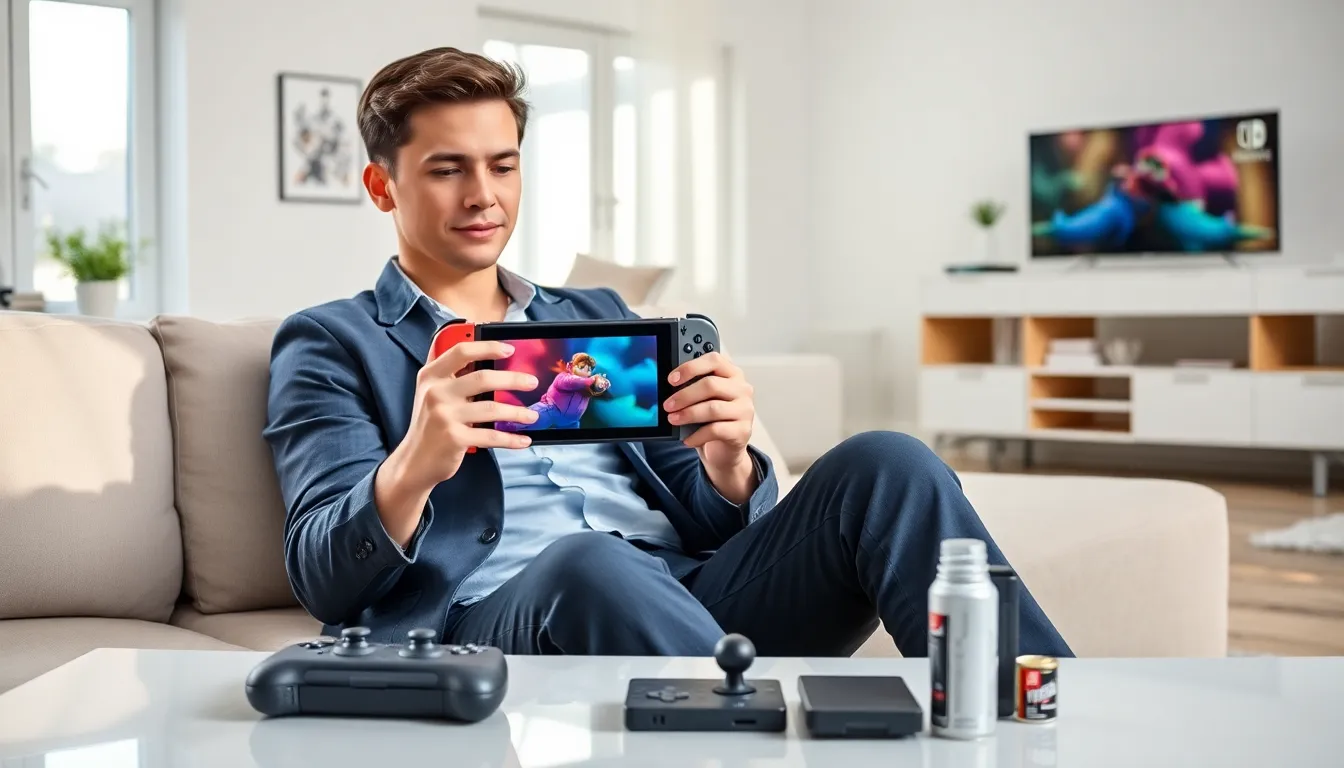
For handheld mode, players should rest the Switch on their palms rather than squeezing it. The thumbs should hover over the buttons, not press down constantly. This position reduces strain during long sessions.
When using the Joy-Con grip or Pro Controller, the index fingers should rest naturally on the shoulder buttons. Some players prefer a “claw grip” for games that require simultaneous face button and right stick input, though this takes practice.
Button Input Timing
Nintendo Switch techniques for button timing vary by game genre. Fighting games reward precise, quick taps. Action-adventure titles often use held inputs for charged attacks. Players should experiment with button pressure in each game’s training mode.
The ZL and ZR triggers respond to full presses only, they’re not analog. This means players can tap them quickly without worrying about partial inputs. The shoulder buttons (L and R) work the same way.
Optimizing Joy-Con and Pro Controller Performance
Joy-Con drift frustrates millions of Switch owners. While Nintendo offers free repairs, players can take steps to prevent and minimize this issue. Regular maintenance extends controller life and improves responsiveness.
Calibration and Maintenance
The Switch includes built-in calibration tools under System Settings > Controllers and Sensors. Players should recalibrate their analog sticks every few months. This process takes about two minutes and can fix minor drift issues.
Cleaning the analog stick base with compressed air removes dust and debris. Players should lift the rubber cap gently and spray in short bursts. Isopropyl alcohol on a cotton swab works for stubborn grime, just let it dry completely before use.
Pro Controller Advantages
The Pro Controller offers several advantages over Joy-Cons. Its larger analog sticks provide greater precision. The button layout feels more natural for players accustomed to traditional controllers. Battery life reaches 40 hours compared to the Joy-Con’s 20 hours.
Players serious about competitive games should consider the Pro Controller for docked play. Many Nintendo Switch techniques become easier to execute with its ergonomic design. Motion controls work on both options, though the Pro Controller’s gyroscope tends to feel more stable.
Advanced Gameplay Techniques Across Popular Titles
Each Switch game rewards different skills. Learning game-specific Nintendo Switch techniques gives players an edge in both single-player and multiplayer modes.
Movement and Combat Skills
In The Legend of Zelda: Tears of the Kingdom, players can cancel shield parries into flurry rushes for faster combat flow. Holding ZL while jumping creates momentum for longer glides. These techniques aren’t explained in tutorials but experienced players rely on them.
Super Smash Bros. Ultimate demands mastery of short hops, fast falls, and directional influence. Short hops happen when players tap the jump button briefly, the character jumps half the normal height. Fast falls activate by pressing down at the peak of a jump.
Mario Kart 8 Deluxe players should learn “fire hopping” (though patched in updates) and optimal drift timing. Starting a drift early on curves and releasing at the right moment gives mini-turbo boosts.
Puzzle and Strategy Games
Animal Crossing players can use time-travel techniques by adjusting the system clock. Splatoon 3 rewards players who master the “squid surge” and “squid roll” mechanics for quick escapes and surprise attacks. These Nintendo Switch techniques require practice but dramatically improve performance.
Screen Capture and Sharing Tips
The Switch makes capturing gameplay moments simple. The dedicated capture button on the left Joy-Con handles both screenshots and video recording.
Screenshots and Video
A quick press takes a screenshot instantly. Holding the button for about one second saves the previous 30 seconds of gameplay as video. Not all games support video capture, but most first-party Nintendo titles do.
Players can find their media in the Album app on the home screen. From there, they can add text, trim videos, and share directly to social media accounts linked to their Nintendo Account.
Quality and Storage
Screenshots save as JPEG files. Videos record at 720p and 30 frames per second, decent quality but not perfect for content creators. Players who want higher quality footage need a capture card for docked mode.
A microSD card expands storage for media files. The Switch supports cards up to 2TB, though 256GB handles most players’ needs. Moving old captures to a computer frees up space for new ones.
Battery and Performance Management Strategies
Battery life varies based on game intensity and screen brightness. The original Switch lasts 2.5 to 6.5 hours. The OLED model offers similar battery life even though its larger screen. Smart management extends play sessions significantly.
Extending Battery Life
Lowering screen brightness adds 30-60 minutes of play time. Turning off Wi-Fi when playing offline helps too. Airplane mode saves the most power, players can enable it from the quick settings menu by holding the Home button.
Graphically demanding games drain the battery faster. Breath of the Wild and Tears of the Kingdom last about 3 hours on a full charge. Simpler games like Stardew Valley can run for 5+ hours.
Performance Tips
The Switch runs games better when cool. Playing in hot environments or blocking the vents causes thermal throttling. Players should avoid covering the back of the console in handheld mode.
Regular system updates improve stability and sometimes boost game performance. Closing unused software from the home menu frees up system resources. These Nintendo Switch techniques seem minor but they add up over time.