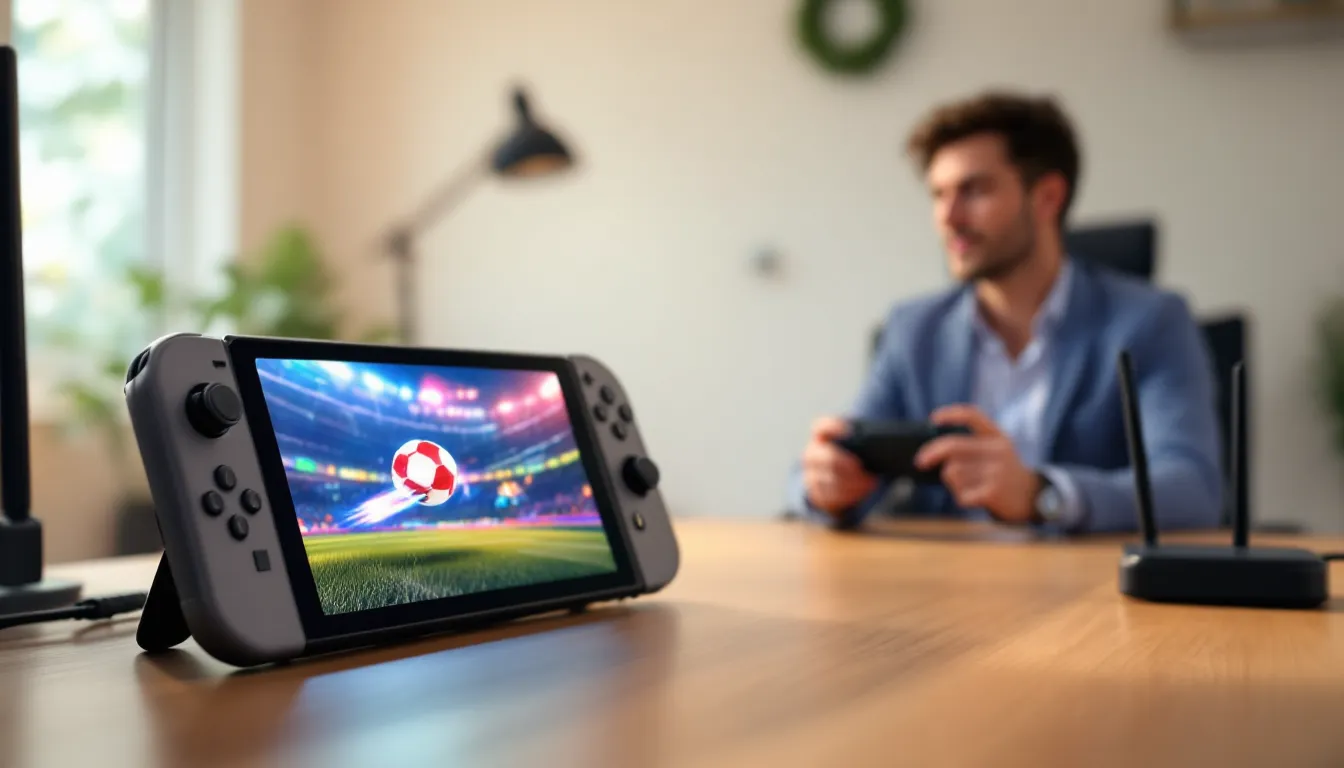
Nintendo Switch strategies can transform how players approach their favorite games. Whether someone is new to the console or a seasoned veteran, the right techniques make a real difference in performance and enjoyment. The Switch offers unique features that many gamers overlook, from Joy-Con customization to hidden settings that boost responsiveness.
This guide covers practical Nintendo Switch strategies that work across genres. Players will learn how to master controls, tweak console settings, develop game-specific tactics, and extend battery life. These tips apply whether gaming at home on a TV or playing handheld during a commute. Let’s jump into the strategies that separate casual players from confident ones.
Table of Contents
ToggleKey Takeaways
- Effective Nintendo Switch strategies include remapping Joy-Con buttons and mastering motion controls for improved accuracy in games like Splatoon 3 and Zelda.
- Optimize your console’s display settings by matching RGB Range to your TV and disabling motion smoothing to reduce input lag.
- Use a 5GHz Wi-Fi network or USB ethernet adapter for stable online multiplayer, and check your NAT type for better matchmaking.
- Game-specific strategies matter—learn enemy patterns in action games, manage items in Mario Kart, and focus on a core team in RPGs like Fire Emblem.
- Extend battery life by lowering screen brightness, enabling airplane mode, and turning off controller vibration during portable play.
- Keep your Switch cool by avoiding direct sunlight, removing cases during demanding games, and ensuring proper dock ventilation to prevent performance throttling.
Master the Joy-Con Controls
The Joy-Con controllers are central to most Nintendo Switch strategies. These small controllers pack surprising depth once players understand their full capabilities.
Button Mapping and Customization
Players can remap buttons through the System Settings menu. This feature helps anyone who finds the default layout uncomfortable. For example, swapping the A and B buttons creates a layout similar to Xbox controllers. Fighting game fans often remap shoulder buttons for easier special move inputs.
To access button remapping:
- Go to System Settings
- Select Controllers and Sensors
- Choose Change Button Mapping
- Select the controller to modify
Motion Control Techniques
Motion controls give players an edge in specific games. In Splatoon 3, combining stick aiming with gyro controls improves accuracy significantly. The trick is to use the right stick for large movements and motion for fine adjustments.
Some players disable motion controls entirely, but this limits options in games designed around them. The Legend of Zelda: Breath of the Wild uses motion for shrine puzzles and bow aiming. Practice with sensitivity set to medium, then adjust based on preference.
Pro Controller Considerations
The Nintendo Switch Pro Controller offers better ergonomics for long gaming sessions. Its larger buttons and traditional layout suit competitive play. Many esports players prefer it for games like Super Smash Bros. Ultimate. But, Joy-Cons remain essential for games that require motion controls or split-play with friends.
Optimize Your Console Settings
Smart Nintendo Switch strategies include adjusting console settings most players never touch. These tweaks improve responsiveness, visual quality, and overall experience.
Display and TV Settings
When playing docked, the Switch outputs at 1080p maximum. Players should match their TV’s game mode with the console’s RGB Range setting. Most TVs work best with Limited Range, but some monitors prefer Full Range. Wrong settings cause washed-out colors or crushed blacks.
Adjust these in System Settings under TV Output. Also disable the TV’s post-processing features like motion smoothing, these add input lag that hurts reaction time in fast games.
Internet and Connection Optimization
Online multiplayer requires stable connections. The Switch supports both 2.4GHz and 5GHz Wi-Fi networks. The 5GHz band offers faster speeds with less interference, though it has shorter range. For serious online play, a USB ethernet adapter provides the most stable connection.
NAT type affects online matchmaking. Type A or B works best. Players can check their NAT type in System Settings under Internet. If stuck on Type D or C, adjusting router settings or enabling UPnP usually helps.
Data Management
The Switch’s 32GB or 64GB internal storage fills quickly. A microSD card is almost mandatory for digital game libraries. Cards rated U3 or V30 provide fast enough read speeds for smooth gameplay. Move older games to the SD card through Data Management settings to free internal space for frequently played titles.
Build Effective Game-Specific Strategies
General Nintendo Switch strategies only go so far. Each game demands its own approach. Here are tactics for popular Switch titles that players can adapt to similar games.
Action and Adventure Games
In Zelda: Tears of the Kingdom, resource management determines success. Smart players mark material locations on the map and return during blood moons when items respawn. Combat improves by learning enemy patterns rather than button-mashing. Parrying guardians and dodging to trigger flurry rushes deals far more damage than standard attacks.
Metroid Dread rewards exploration and backtracking. When stuck, check the map for breakable blocks or hidden paths. The game’s difficulty spikes during boss fights, learning attack patterns through repetition beats trying to overpower enemies with missiles.
Multiplayer and Party Games
Mario Kart 8 Deluxe success comes from item management and track knowledge. Hold defensive items behind the kart in first place. Learn shortcut locations and which require mushrooms versus skill. Drifting builds mini-turbo boosts, purple sparks give the longest boost.
Super Smash Bros. Ultimate demands character-specific practice. Pick two or three mains rather than spreading attention across the roster. Training mode helps learn kill confirms and combo strings. Watch tournament footage to understand neutral game and edge-guarding techniques.
RPGs and Strategy Games
Fire Emblem: Three Houses players should focus on a core team rather than spreading experience thin. Class changes unlock powerful abilities worth planning ahead for. Save often, permadeath punishes careless moves.
Pokémon Scarlet and Violet competitive play requires understanding type matchups, EVs, and team composition. Online resources like Smogon provide tier lists and suggested movesets. Breeding for competitive stats takes time but creates significant advantages.
Maximize Battery Life and Performance
Portable play defines the Switch experience. These Nintendo Switch strategies help players game longer without sacrificing quality.
Battery Conservation Techniques
The Switch OLED model lasts 4.5 to 9 hours depending on the game. Original Switch models run 2.5 to 6.5 hours. Demanding games like Breath of the Wild drain batteries faster than Stardew Valley.
Reduce screen brightness to extend playtime. Auto-brightness saves power in varied lighting conditions. Airplane mode adds roughly 30 minutes of playtime by disabling wireless features. Turn off controller vibration in settings, haptic feedback uses noticeable battery power.
Thermal Management
The Switch throttles performance when overheating. Avoid playing in direct sunlight or near heat sources. Cases that cover the vents trap heat and cause slowdowns. During demanding games, remove any protective cases to improve airflow.
Docked play generates more heat than handheld mode. Keep the dock in a ventilated area, not inside a closed cabinet. Dust accumulates in vents over time, compressed air clears buildup safely.
Charging Best Practices
The included charger outputs 39W, enough to play and charge simultaneously. Third-party chargers work but should support USB Power Delivery. Cheap chargers risk damaging the console. Portable battery banks rated 30W or higher maintain charge during intense games.
Avoid letting the battery fully drain regularly. Lithium batteries last longest when kept between 20% and 80% charge. Sleep mode uses minimal power, shutting down completely isn’t necessary for daily use.