This Nintendo Switch guide covers everything players need to know about Nintendo’s popular hybrid console. Whether someone just unboxed their first Switch or wants to maximize their gaming experience, this guide provides clear answers. The Nintendo Switch has sold over 140 million units worldwide since 2017, making it one of the most successful consoles ever made. This article breaks down the console family, setup process, essential features, top games, and practical tips. Readers will walk away ready to enjoy their Switch to its fullest potential.
Table of Contents
ToggleKey Takeaways
- The Nintendo Switch comes in three models—Standard, OLED, and Lite—each designed for different play styles and budgets ranging from $199 to $349.
- Setting up your Nintendo Switch takes about 10-15 minutes, including charging, connecting to Wi-Fi, and creating a Nintendo Account for eShop access.
- Expand your Switch’s storage with a microSD card (up to 2TB supported) since the base 32GB fills up quickly with modern games.
- Save money on Nintendo Switch games by watching for eShop sales, using game vouchers, or buying pre-owned cartridges that work like new.
- Protect your investment with a tempered glass screen protector and carrying case, and calibrate Joy-Con sticks regularly to prevent drift issues.
- Explore free-to-play titles like Fortnite, Rocket League, and Fall Guys for quality entertainment without spending extra money.
Understanding the Nintendo Switch Console Family
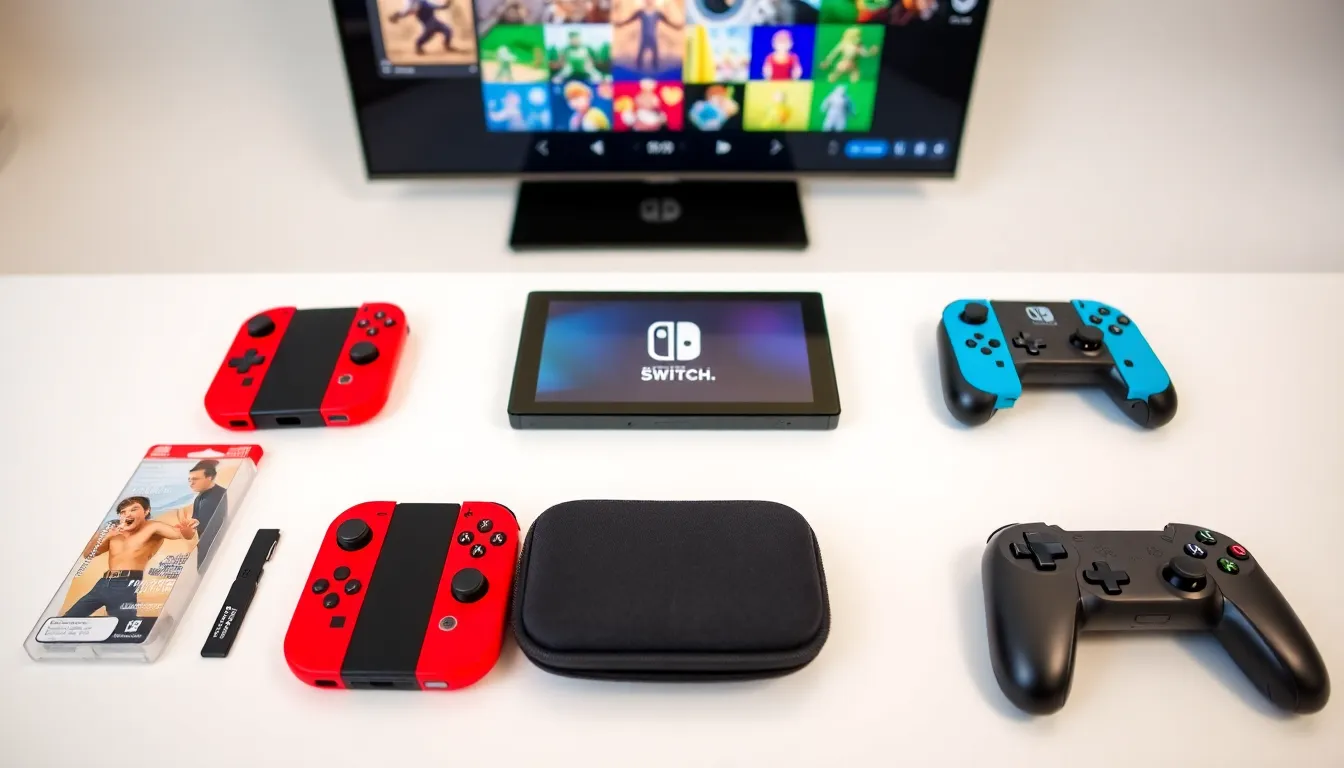
Nintendo offers three versions of the Switch, each designed for different play styles and budgets.
Nintendo Switch (Standard Model)
The original Nintendo Switch works in three modes: TV mode, tabletop mode, and handheld mode. It features a 6.2-inch LCD screen and detachable Joy-Con controllers. The standard Switch costs around $299 and suits players who want flexibility between home and portable gaming.
Nintendo Switch OLED Model
The OLED model launched in October 2021 with a larger 7-inch OLED screen. Colors appear more vibrant, and blacks look deeper compared to the LCD version. It also includes a wider adjustable kickstand and 64GB of internal storage (double the standard model). At $349, it’s the premium option for players who value display quality.
Nintendo Switch Lite
The Switch Lite is a handheld-only console priced at $199. It cannot connect to a TV and has non-removable controllers. The 5.5-inch screen makes it more compact and travel-friendly. This version works best for players who primarily game on the go.
All three consoles play the same digital games from the Nintendo eShop. But, certain games require Joy-Con motion controls, which limits compatibility with the Switch Lite unless external controllers are purchased.
Setting Up Your Nintendo Switch
Setting up a Nintendo Switch takes about 10-15 minutes. Here’s how to get started:
- Charge the console – Connect the AC adapter directly to the Switch or place it in the dock. A full charge takes approximately three hours.
- Attach Joy-Con controllers – Slide the Joy-Cons onto the side rails until they click. The Switch will recognize them automatically.
- Power on and select language – Press the power button on top of the console. Choose a language and region.
- Connect to Wi-Fi – Select a network and enter the password. Internet access is required for system updates and online features.
- Create or link a Nintendo Account – A Nintendo Account unlocks the eShop, online play, and cloud saves. Users can create a free account or sign in with existing credentials.
- Set up parental controls (optional) – Parents can download the Nintendo Switch Parental Controls app on their smartphone. This app restricts play time, limits online communication, and blocks age-inappropriate content.
- Update the system software – Nintendo releases regular updates that improve performance and add features. Go to System Settings > System > System Update to download the latest version.
After setup, the Switch is ready for gaming. Users can insert game cards, download titles from the eShop, or explore the free-to-play options available.
Essential Features and Settings
The Nintendo Switch includes several features that improve the gaming experience. Here are the most useful ones:
Nintendo Switch Online
Nintendo Switch Online is a subscription service that costs $3.99/month or $19.99/year. It provides access to online multiplayer, cloud save backups, and a library of classic NES and SNES games. The Expansion Pack tier ($49.99/year) adds Nintendo 64 and Sega Genesis games plus DLC for select titles.
microSD Card Storage
The standard Switch has 32GB of internal storage, not much when modern games can exceed 15GB each. A microSD card expands storage capacity significantly. Cards up to 2TB are supported. Insert the card into the slot behind the kickstand.
Screen Capture and Recording
The capture button on the left Joy-Con takes screenshots instantly. Hold the button to record the last 30 seconds of gameplay. Users can post captures directly to social media or transfer them to a smartphone.
Sleep Mode and Battery Life
The Nintendo Switch lasts 4.5-9 hours on a single charge, depending on the game. Sleep mode preserves battery while keeping games suspended. Press the power button once to enter sleep mode. The OLED and revised standard models offer better battery life than launch units.
Bluetooth Audio
A 2021 update added Bluetooth audio support. Pair wireless headphones through System Settings > Bluetooth Audio. Note that Bluetooth limits the number of connected controllers to two while active.
Must-Have Games and Where To Find Deals
The Nintendo Switch library includes thousands of games. These titles consistently rank among the best:
- The Legend of Zelda: Tears of the Kingdom – An expansive adventure game with creative building mechanics
- Super Mario Odyssey – A 3D platformer with inventive level design and hat-throwing gameplay
- Mario Kart 8 Deluxe – The best-selling Switch game, perfect for multiplayer racing
- Animal Crossing: New Horizons – A relaxing life simulation game set on a customizable island
- Super Smash Bros. Ultimate – A fighting game featuring over 80 characters from gaming history
- Metroid Dread – A challenging action game that revived the classic Metroid formula
Finding Deals on Switch Games
Nintendo games rarely drop in price, but deals exist for patient shoppers:
Nintendo eShop Sales – Check the eShop regularly for digital discounts. Major sales happen during E3 season, Black Friday, and holidays.
Physical Game Deals – Retailers like Amazon, Best Buy, and Walmart frequently discount physical copies. Price comparison sites like Deku Deals track historical pricing.
Nintendo Switch Online Vouchers – Subscribers can purchase two game vouchers for $99.99, saving money on full-priced first-party titles.
Pre-owned Games – GameStop and local game stores sell used Switch cartridges at reduced prices. Since cartridges don’t degrade like discs, used games work identically to new ones.
Tips for Getting the Most Out of Your Switch
These practical tips help players maximize their Nintendo Switch experience:
Invest in a Screen Protector
The Switch screen scratches easily, especially when docking and undocking. A tempered glass screen protector costs under $10 and prevents permanent damage. Installation takes two minutes.
Use a Carrying Case for Travel
A quality carrying case protects the console during transport. Look for cases with game card storage and space for accessories. Hard-shell cases offer the best protection.
Calibrate Joy-Con Sticks Regularly
Joy-Con drift, where the analog stick registers movement without input, affects many users. Regular calibration through System Settings > Controllers and Sensors can reduce minor drift. Nintendo repairs drifting Joy-Cons for free in many regions.
Enable Airplane Mode for Better Battery
Airplane mode disables Wi-Fi and Bluetooth, extending battery life during long sessions. Enable it through Quick Settings by holding the Home button.
Check for Game Updates
Developers release patches that fix bugs and add content. Games update automatically when connected to Wi-Fi, but users can manually check by pressing + on a game icon and selecting Software Update.
Explore Free-to-Play Games
The eShop offers quality free games including Fortnite, Rocket League, Pokémon Unite, and Fall Guys. These titles provide hours of entertainment without spending money.
Consider a Pro Controller
The Nintendo Switch Pro Controller ($69.99) offers a traditional gamepad experience with improved ergonomics, longer battery life, and motion controls. Many players prefer it for extended sessions.