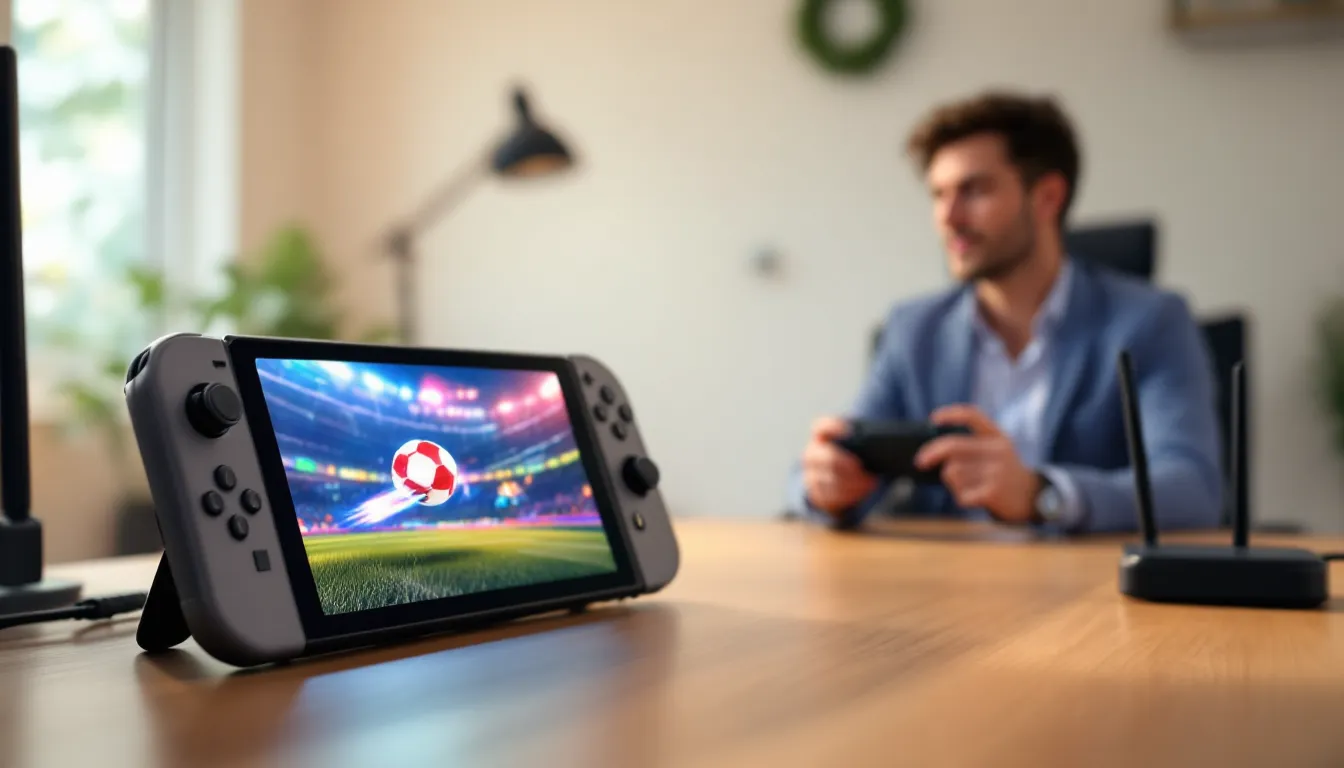
The Nintendo Switch offers a unique gaming experience that works at home and on the go. For anyone new to gaming or returning after years away, the Nintendo Switch for beginners can feel overwhelming at first glance. Multiple console models, hundreds of games, and various accessories create plenty of questions. This guide breaks down everything new owners need to know. From choosing the right model to picking first games, readers will find clear answers here. The Nintendo Switch has sold over 140 million units worldwide since 2017, and there’s good reason for that success. Let’s get started.
Table of Contents
ToggleKey Takeaways
- The Nintendo Switch for beginners offers three models: the standard ($299), OLED ($349), and Lite ($199), each suited for different play styles.
- Essential accessories like a microSD card, screen protector, and carrying case significantly improve the Nintendo Switch experience.
- Setting up your Switch takes about 15 minutes and requires creating a Nintendo Account for online features and digital purchases.
- Beginner-friendly games like Mario Kart 8 Deluxe and Animal Crossing: New Horizons offer accessible gameplay with helpful assist options.
- The Switch Lite only works in portable mode and doesn’t support all games, so beginners should consider their play preferences before buying.
- Nintendo Switch Online costs $19.99 per year and is required for online multiplayer and cloud saves.
What Is the Nintendo Switch?
The Nintendo Switch is a hybrid gaming console made by Nintendo. It works as both a home console and a portable handheld device. Players can connect it to a TV through a docking station, then undock it and continue playing anywhere.
Nintendo released the original Switch in March 2017. The console features two detachable controllers called Joy-Cons. These controllers attach to the sides of the screen for portable play or slide onto a grip for TV mode.
The Nintendo Switch runs on cartridge-based games, though digital downloads are also available through the Nintendo eShop. Players need a Nintendo Account to access online features, purchase digital games, and use cloud saves.
What makes the Nintendo Switch special is its flexibility. A player might start a game on the TV, then grab the console and head to a coffee shop without losing progress. This seamless transition between modes remains the console’s defining feature.
The system supports local multiplayer with up to eight Switch consoles connecting wirelessly. Online play requires a Nintendo Switch Online subscription, which costs $19.99 per year for an individual plan.
Choosing the Right Nintendo Switch Model
Nintendo currently sells three Switch models. Each serves different types of players, so understanding the differences helps buyers make smart choices.
Nintendo Switch (Standard Model)
The standard Nintendo Switch costs $299 and offers the full hybrid experience. It includes a dock for TV play, two Joy-Con controllers, and a 6.2-inch LCD screen. Battery life runs between 4.5 to 9 hours depending on the game.
This model suits players who want both TV and portable options. It’s the best choice for families or anyone planning to use multiple play styles.
Nintendo Switch OLED Model
The OLED model costs $349 and features a larger 7-inch OLED screen. Colors appear more vibrant, blacks look deeper, and the display makes a noticeable difference in handheld mode.
This version also includes 64GB of internal storage (double the standard model), improved audio, and a wider adjustable kickstand. Players who primarily use handheld mode will appreciate the upgraded screen most.
Nintendo Switch Lite
The Nintendo Switch Lite costs $199 and works only as a portable device. It cannot connect to a TV. The Joy-Cons don’t detach, meaning some games with motion controls won’t work properly.
The Lite weighs less and has better battery life than the standard model. It’s ideal for players who only want portable gaming and don’t need TV functionality. But, beginners should know that some games require detachable Joy-Cons and won’t run on the Lite.
Essential Accessories for New Owners
The Nintendo Switch comes ready to play out of the box, but a few accessories improve the experience significantly.
MicroSD Card: The Switch has limited internal storage (32GB for standard, 64GB for OLED). Games like The Legend of Zelda: Tears of the Kingdom take over 16GB each. A 128GB or 256GB microSD card prevents storage headaches.
Screen Protector: The Switch screen scratches easily, especially when sliding into the dock. A tempered glass screen protector costs under $10 and saves the display from damage.
Pro Controller: The Joy-Cons work fine, but the Nintendo Switch Pro Controller offers better ergonomics for longer play sessions. At $69.99, it’s worth the investment for anyone playing action games or spending hours on a single title.
Carrying Case: Portable players need protection. A hard-shell carrying case keeps the Nintendo Switch safe during travel and usually includes storage slots for game cartridges.
Extra Joy-Cons: For multiplayer games, extra Joy-Cons let more friends join in. One pair costs $79.99, though sales frequently drop that price.
Setting Up Your Nintendo Switch
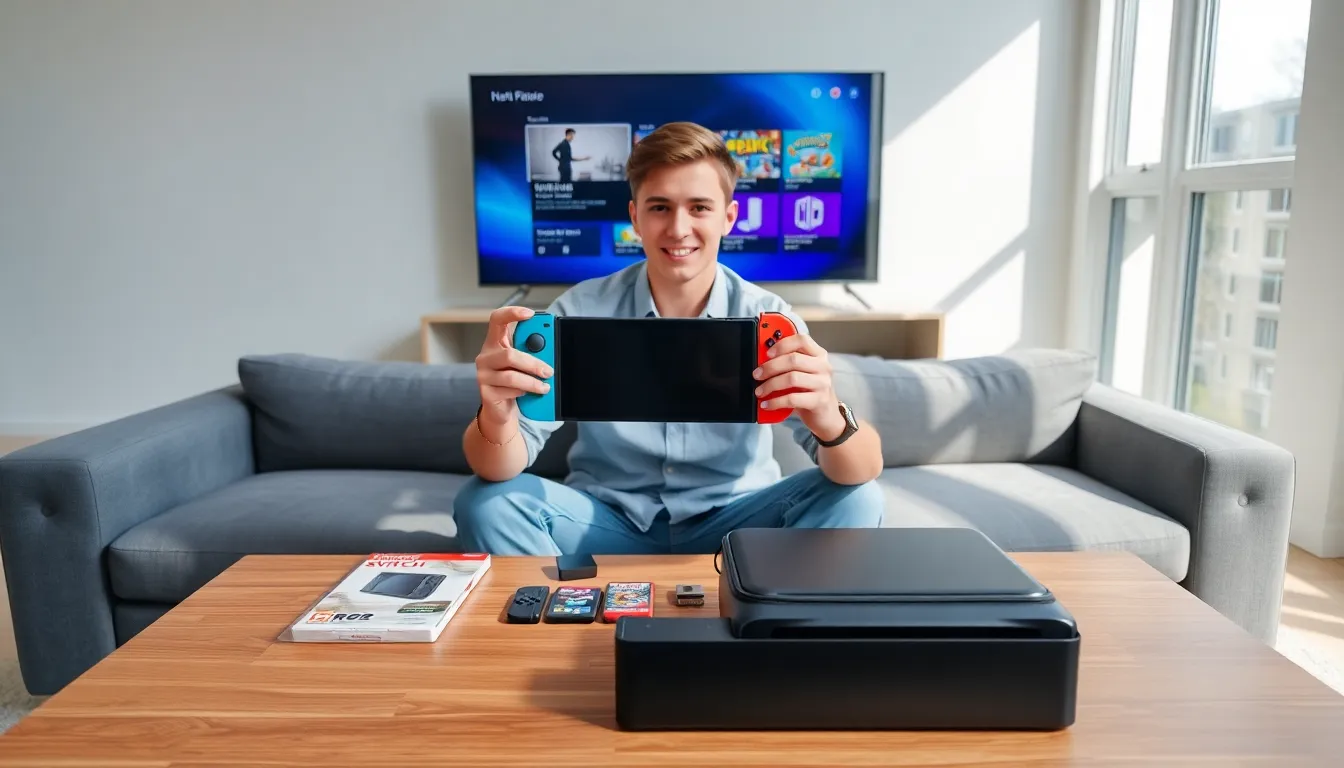
Setting up a Nintendo Switch takes about 15 minutes. The process is straightforward, even for complete beginners.
First, charge the console. Connect the AC adapter to the dock or directly to the Switch. A full charge takes roughly three hours.
Power on the console by pressing the power button on the top edge. The system walks users through language selection, region settings, and Wi-Fi connection.
Next, create or link a Nintendo Account. This account stores purchases, saves (with Nintendo Switch Online), and friend lists. Users under 18 need parental permission to create an account.
Attach the Joy-Cons by sliding them down onto the console’s rails until they click. The system automatically recognizes them.
For TV play, place the Switch into the dock and connect the dock to a TV using the included HDMI cable. The console switches to TV mode automatically when docked.
Adjust settings as needed. The system menu lets users manage display brightness, sleep mode timers, and parental controls. Nintendo Switch for beginners often means experimenting with these settings until everything feels right.
Best Games for Beginners
Choosing first games shapes the entire Nintendo Switch experience. These titles work well for players new to gaming or the Switch platform.
The Legend of Zelda: Breath of the Wild – This open-world adventure game lets players explore at their own pace. There’s no wrong way to play, and the difficulty adjusts based on player choices. It’s often called one of the best games ever made.
Mario Kart 8 Deluxe – Racing games don’t get more accessible than this. Mario Kart includes auto-steering and auto-accelerate options for absolute beginners. It’s also perfect for multiplayer with friends or family.
Animal Crossing: New Horizons – This life simulation game has no fail states, no time pressure, and no combat. Players build an island community, catch fish, and decorate homes. It’s relaxing and endlessly engaging.
Super Mario Odyssey – Mario’s 3D adventure offers intuitive controls and forgiving gameplay. Players collect moons across creative worlds, and the assist mode makes tough sections easier.
Nintendo Switch Sports – Motion-controlled sports games provide physical activity and easy-to-understand mechanics. Tennis, bowling, and soccer feel natural even for non-gamers.
The Nintendo Switch library includes over 4,000 games. Starting with these beginner-friendly options builds confidence before moving to more challenging titles.